
How RallyFlow works
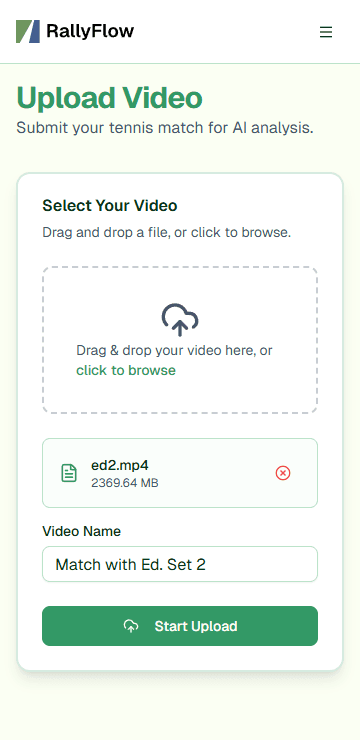
1) Upload your match video
Upload your raw recording (yes, including ball pickups, changeovers, and water breaks). RallyFlow takes care of the rest.
2) Review in your dashboard
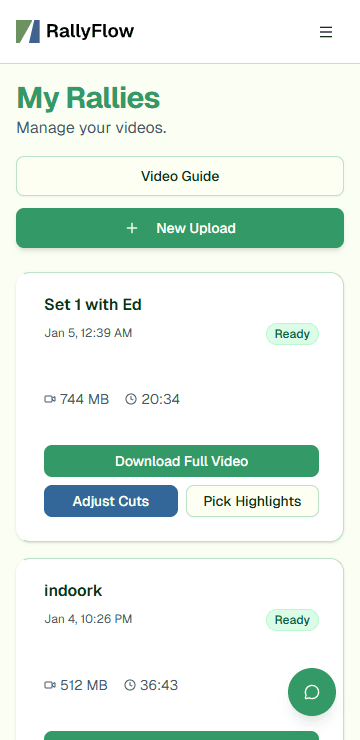
Your dashboard keeps all your matches in one place. From there you can:
- Download a rally-only full match export
- Create and export a highlights reel
- Open the editor to review and refine cuts
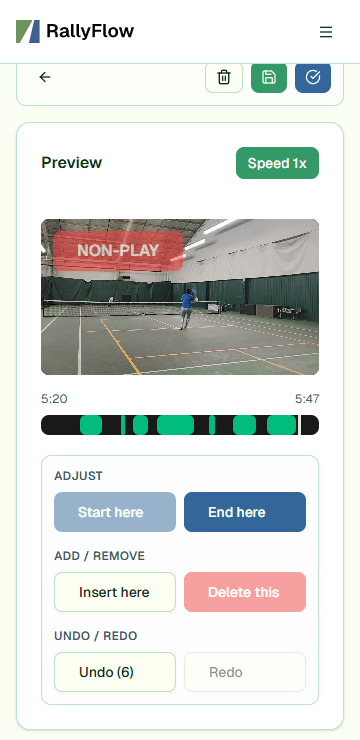
3) Fine-tune with Adjust Cuts (optional)
Want tighter edits or to keep a moment that happened between points? Use Adjust Cuts to review the results and tweak cut boundaries before exporting.
How should I film my matches?
Use our quick filming checklist for best results.
- TV angle: Show the full court from behind the baseline, just like you see on TV.
- Landscape: Position your phone/camera sideways (wide, not tall).
- Raw footage: Upload the original, unedited video.
- Match or rally: Record a match or a rally. ("Serve Practice Mode" coming soon!)
- 16:9: Use the 16:9 ratio. It's the default setting on most phones and cameras.
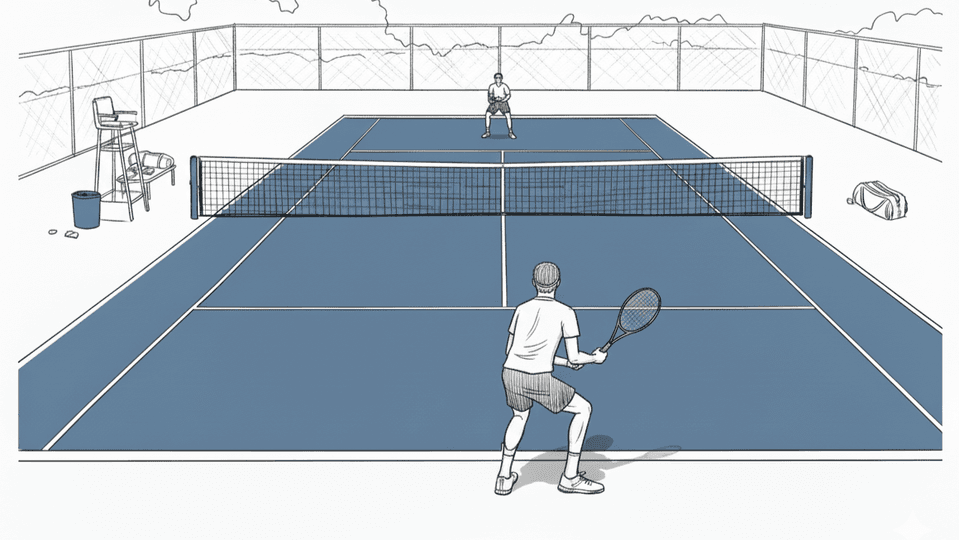
Need a deeper filming breakdown? Read our camera-angle guide.
Coming Soon to RallyFlow
RallyFlow v2
- Significantly faster processing
- Handle non-match rallies (without serves) more reliably
- Analyze landscape/portrait/square videos
- Better robustness to noise (unusual court surfaces, large background motion, or people moving through the frame)
Mobile App
- Faster, smoother uploads
- Record and auto-edit simultaneously
- Quick Share/AirDrop
Improved Visuals
- Scoreboard overlay
Serve Practice Mode
- All we can tell you now is that you've never seen your serves this way